Updates
Purpose. A change log of the Assist cabinet itself: what is new, what is fixed, and how it affects your work.
Who sees it. Roles with permission for the “Updates” page.
How to open. Menu Work → Updates.
What is on the screen
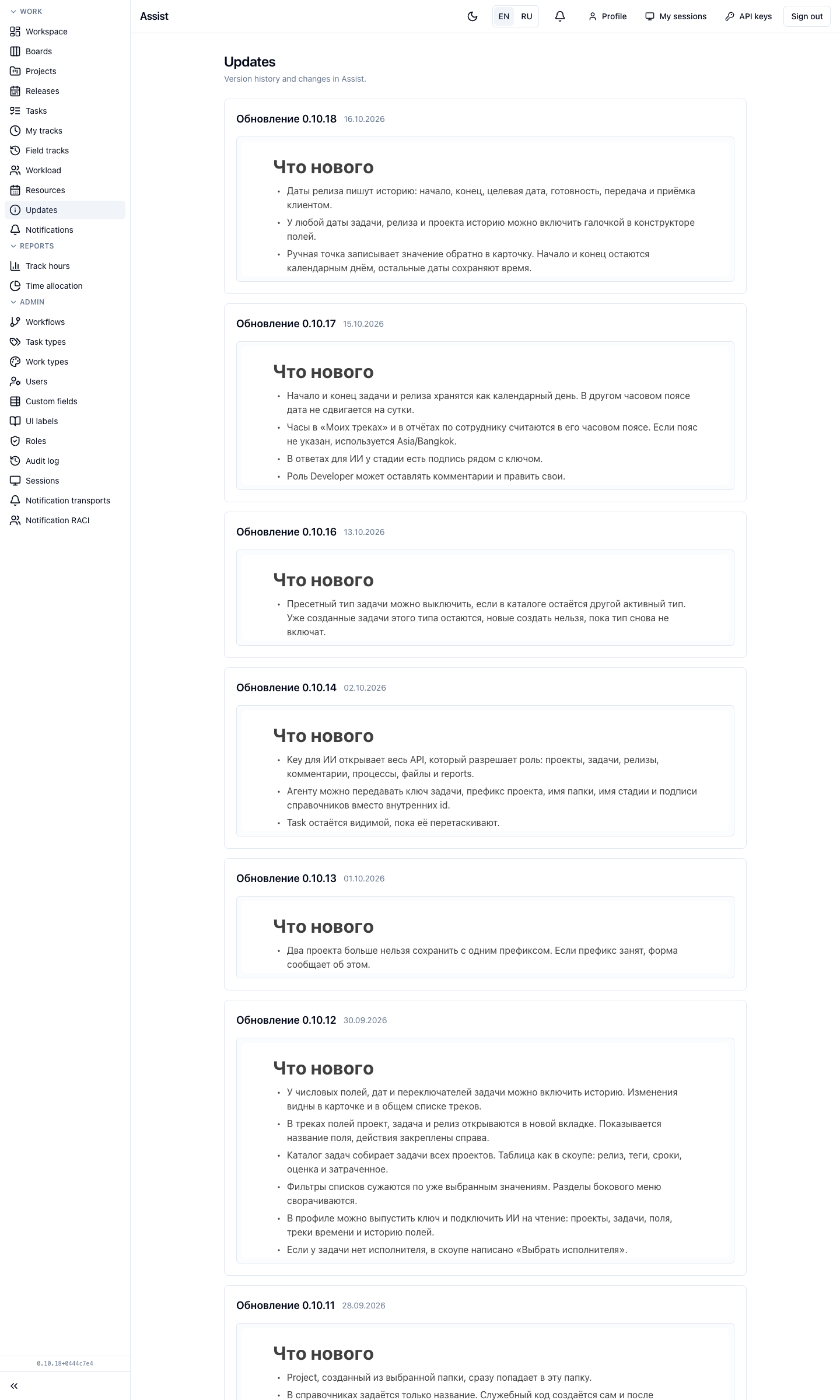
Each entry is a separate version. The title has the version number and date, for example “Update 0.10.18”. Below, in plain language, it is listed what you can do now, what is fixed, and what changed in the work.
The current version number is also shown at the bottom of the side menu in small print.
The update notes are published in Russian. The English interface of the cabinet shows the same Russian text on this page.
What you can do
- Read the latest entry if something started to work differently after an update.
- State the version number when you ask the administrator a question.
If the history did not load, the page says “Failed to load update history”. Refresh the page.
How this differs from project releases
Your team's releases are in projects and on the “Releases” page. The “Updates” page publishes news about the product itself. Events on your tasks arrive in notifications.