Release. Settings
Purpose. The only action: deleting the release.
Who sees it. Roles with permission for the release's “Settings” tab and for deleting releases.
How to open. Open a release and choose the Settings tab.
What is on the screen
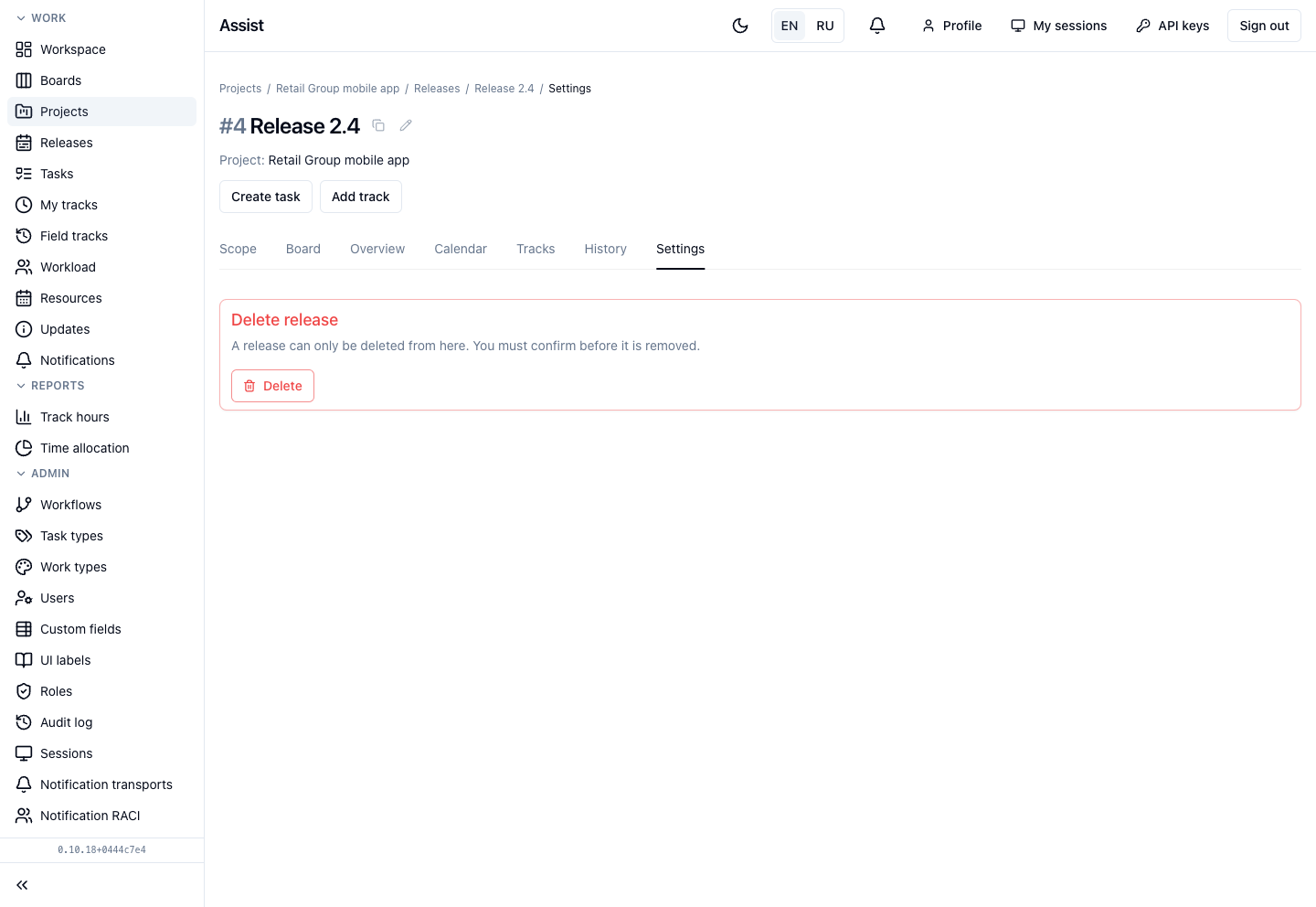
The Delete release block with the Delete button.
What you can do
Delete a release
- Click Delete.
- Confirm the action.
A release can be deleted only from here. Before deleting, note that:
- together with the release, its tasks, subtasks, and the hours logged on them are deleted. If the tasks are needed, move them to another release or to the project backlog (the “Release” field in the task card);
- to simply close the work, move the release to the final stage: the history and hours are kept.
If you need to change rather than delete
- Name, dates, assignee, estimate: the “Overview” tab. The name can also be changed with the pencil in the release header.
- Close a release after acceptance: move it to the final stage. See “Closing a release”.
- Move tasks: open a task card and choose another release.