Resources. Calendar
Purpose. Defines which days are considered working. The mass fill of the plan works from it: on weekends, holidays, and shortened days the cabinet puts zero hours.
Who sees it. Roles with permission for the “Resources” section. The administrator updates the calendar.
How to open. Menu Work → Resources, the Calendar tab.
What is on the screen
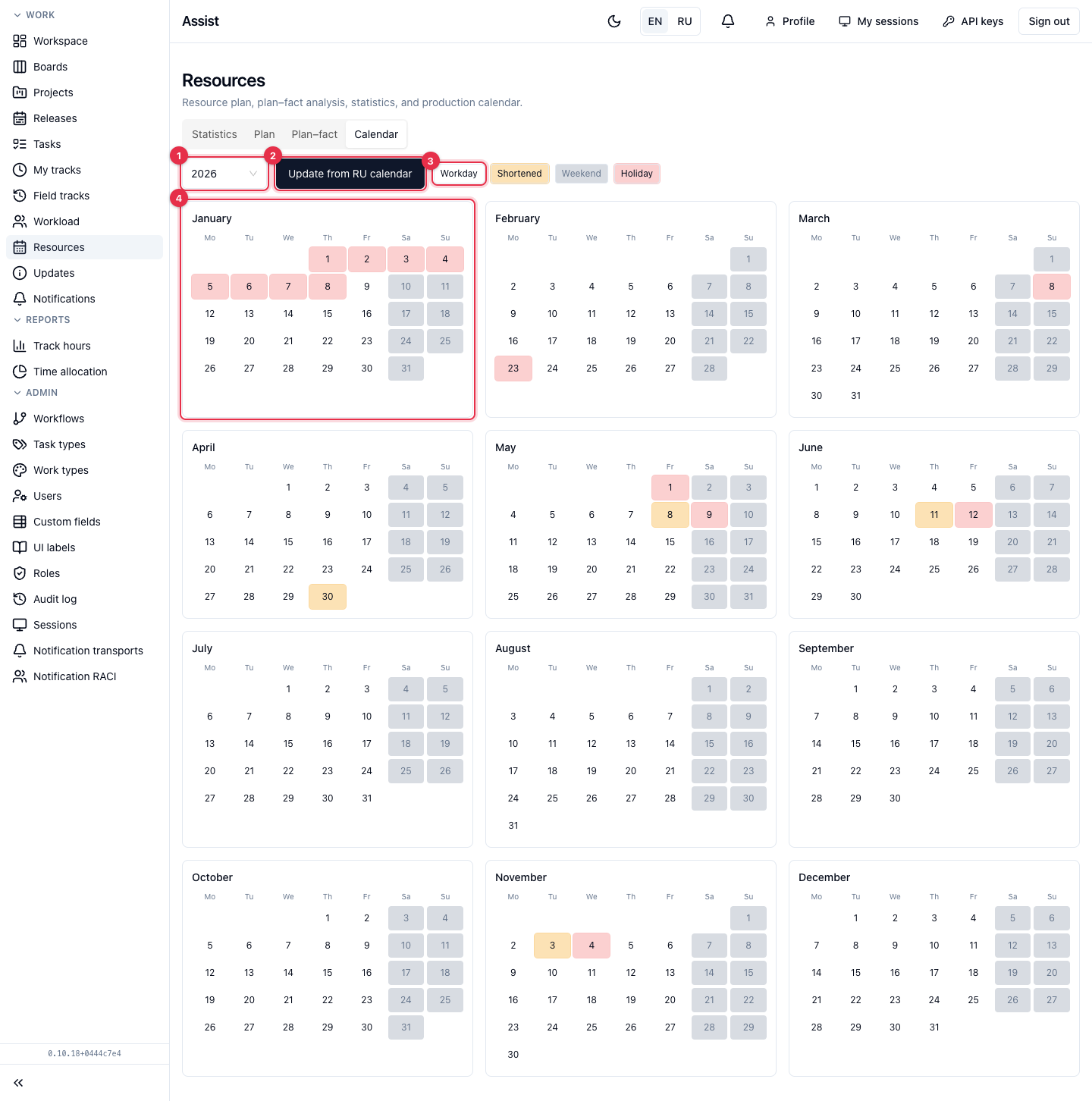
- The year selector.
- The Update from RU calendar button loads the official calendar for the selected year.
- Legend: Workday, Shortened, Weekend, Holiday.
- Twelve months. Days are colored by type.
If there are no days for the year yet, the page hints: “No days for this year yet. Click “Update””.
What you can do
Fill in the calendar for a year
- Choose the year.
- Click Update from RU calendar.
- Repeat after any weekend transfers.
What is important to know
The calendar is Russian: it accounts for state holidays and transfers of working days. If your company has other days off, edit the values in the plan cells manually: they do not depend on the calendar.
Project task deadlines are not set here. Look them up in the project calendar.